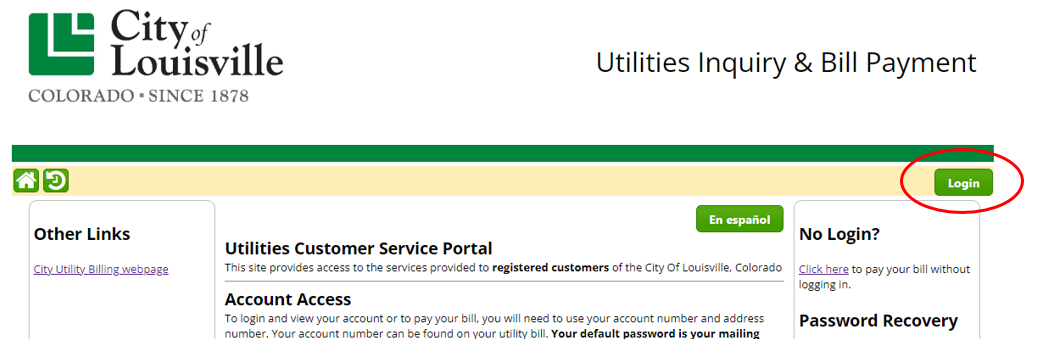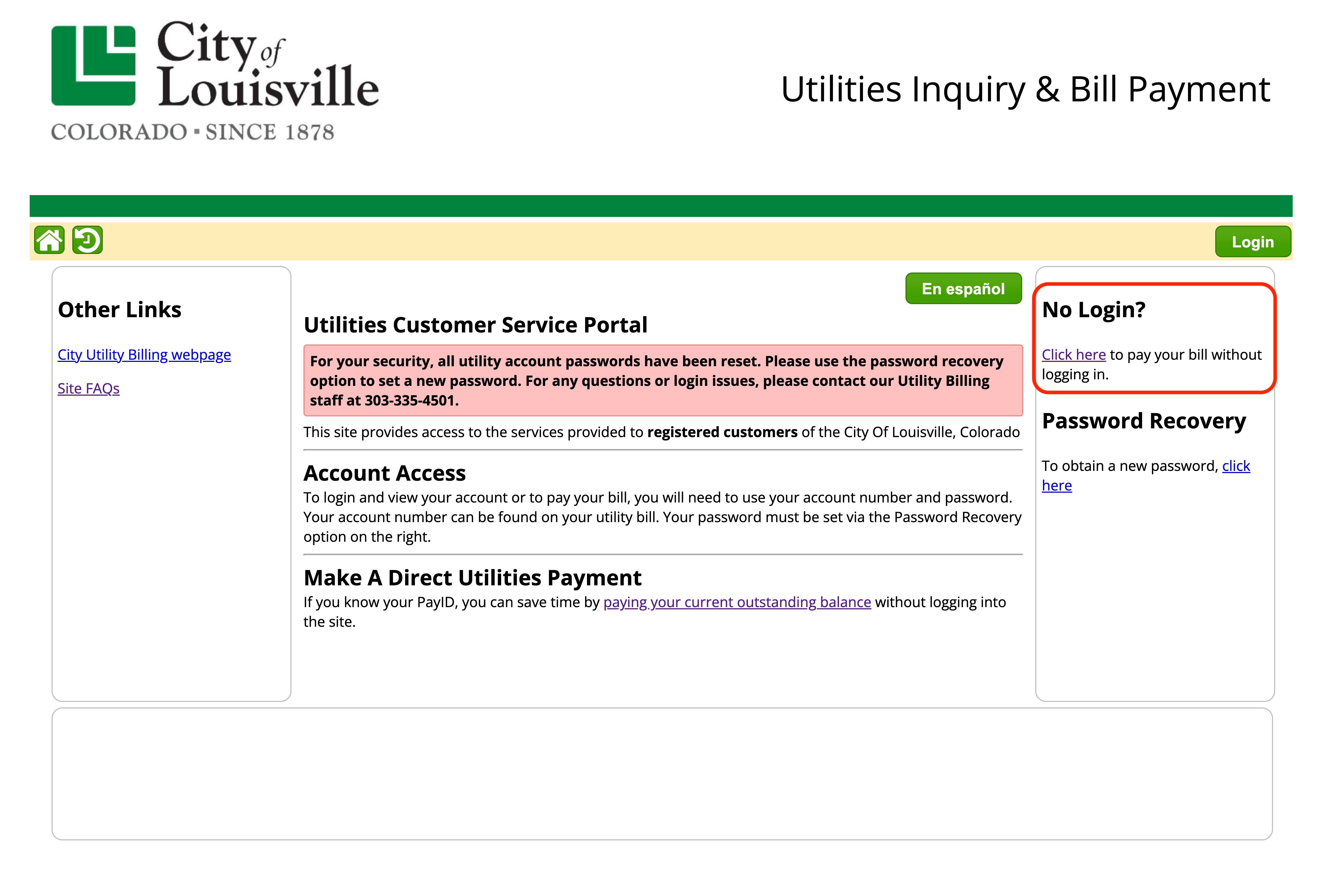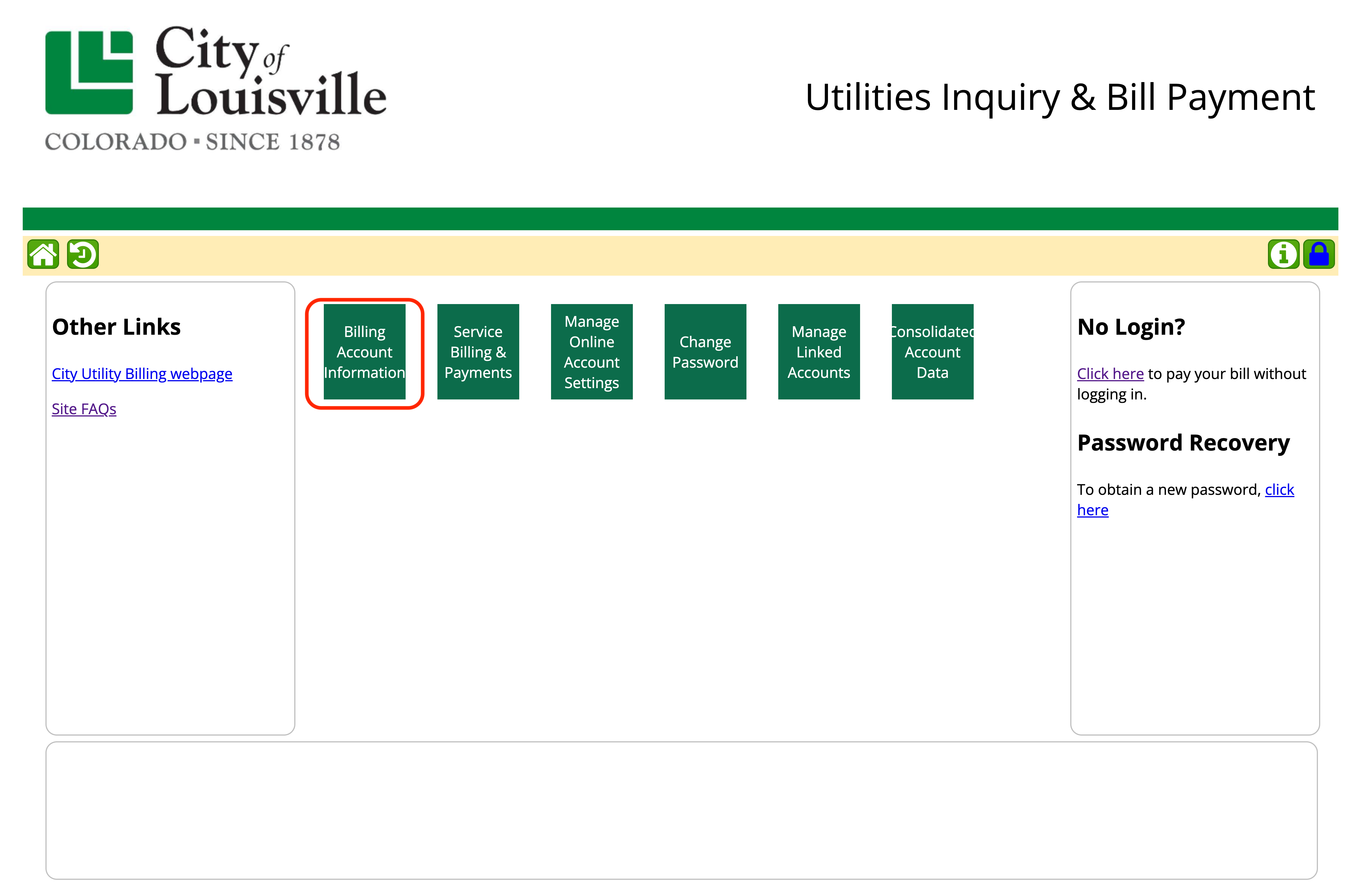
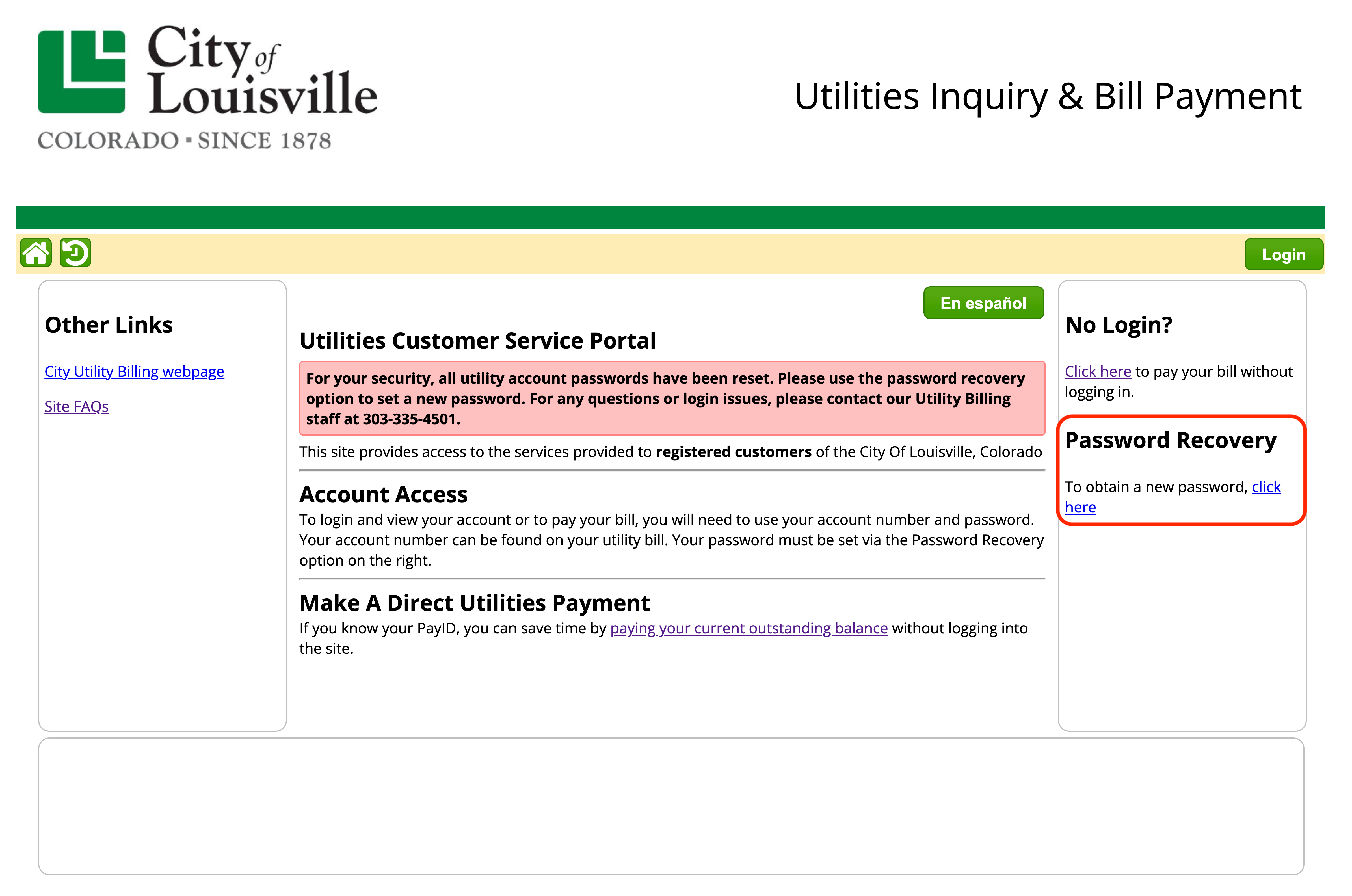
- If you don't know your password, you will need to request a temporary one. We must have your email in your utility account to request a password. Under Password Recovery, click the "Click Here" link.
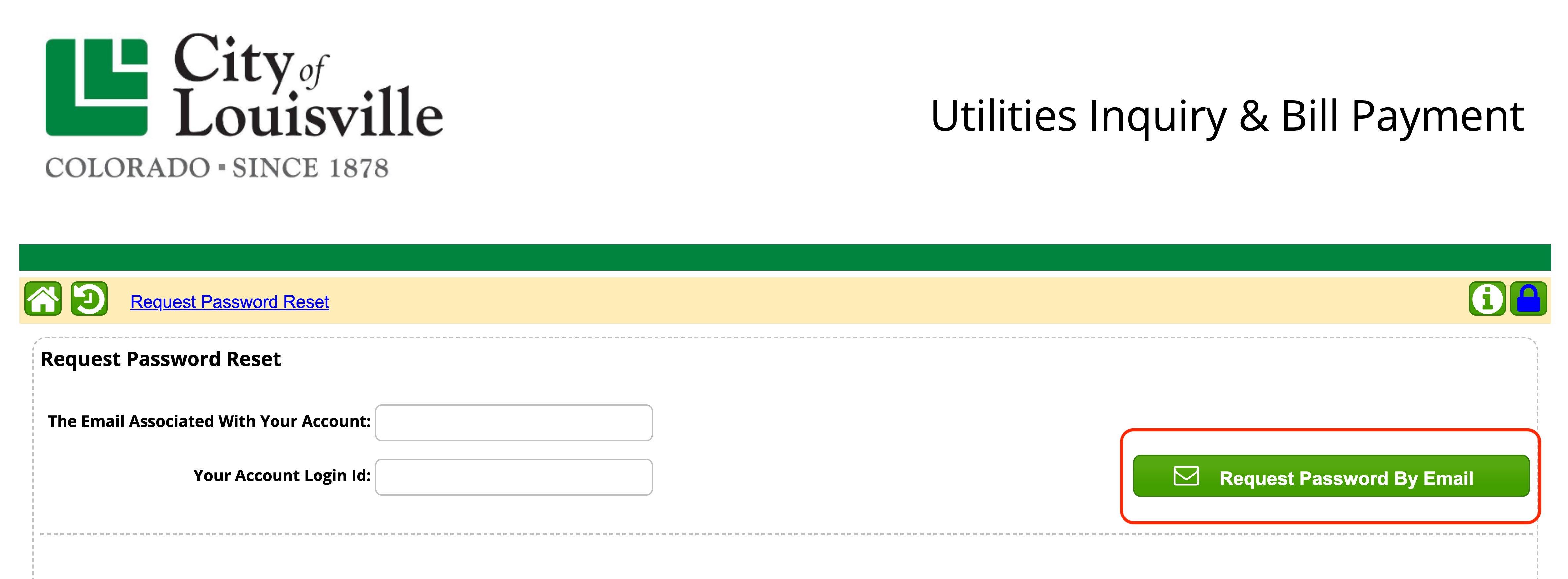
2. Enter the email address associated with your utility account and your utility account number. Next click the "Request Password By Email" link.
You will receive an email from City of Louisville Customer Service at customerservice@louisvilleco.gov with a temporary password. Temporary passwords expire after several days. Check email spam and junk mail folders if needed.
*If you do not receive an email within an hour, we might not have your email address on file. To change or add an email address to your utility account, please email Customer Service at customerservice@Louisvilleco.gov or call (303) 335-4501. You cannot proceed without an email on file.
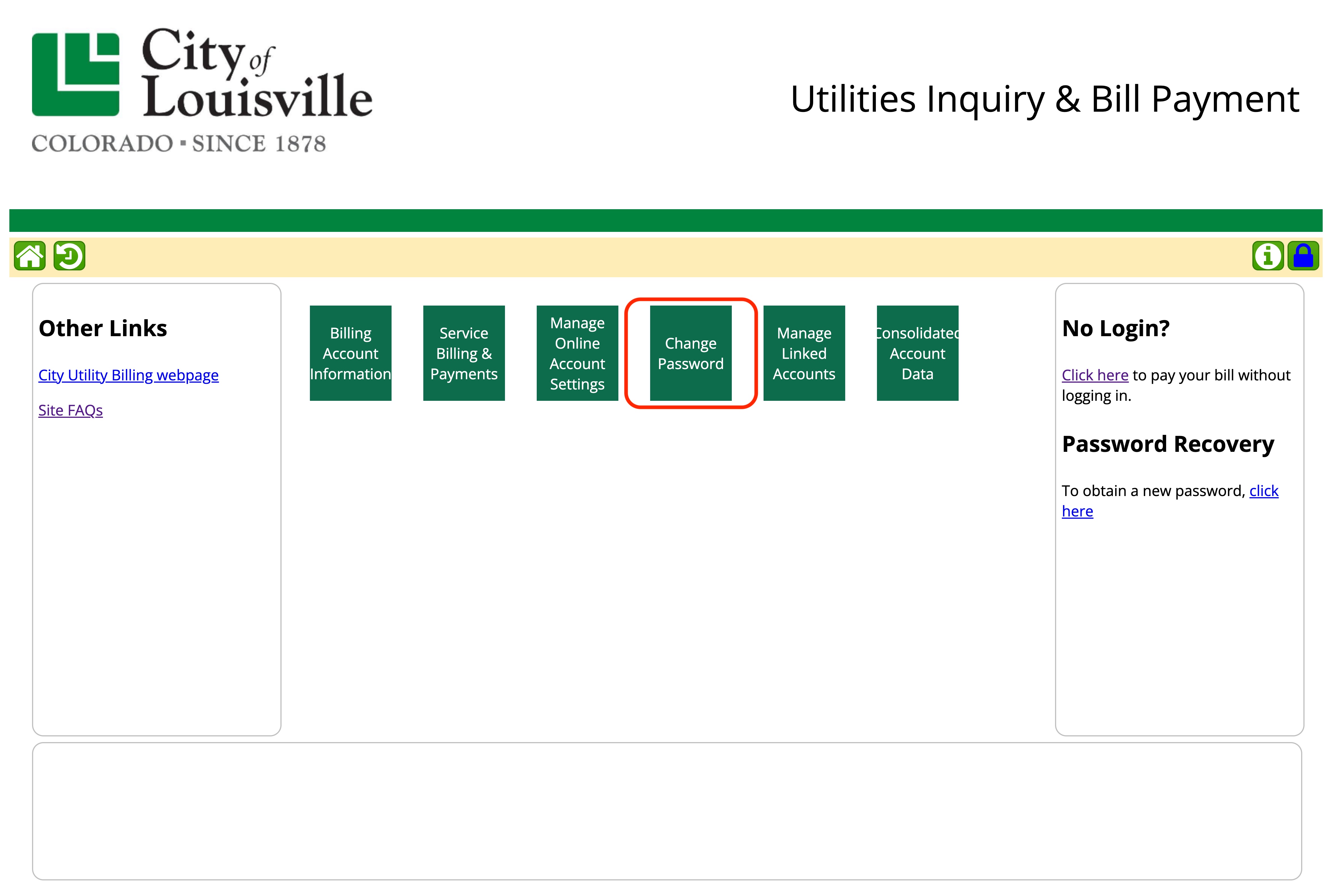
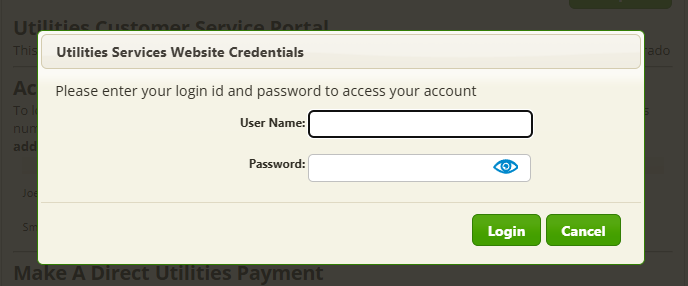
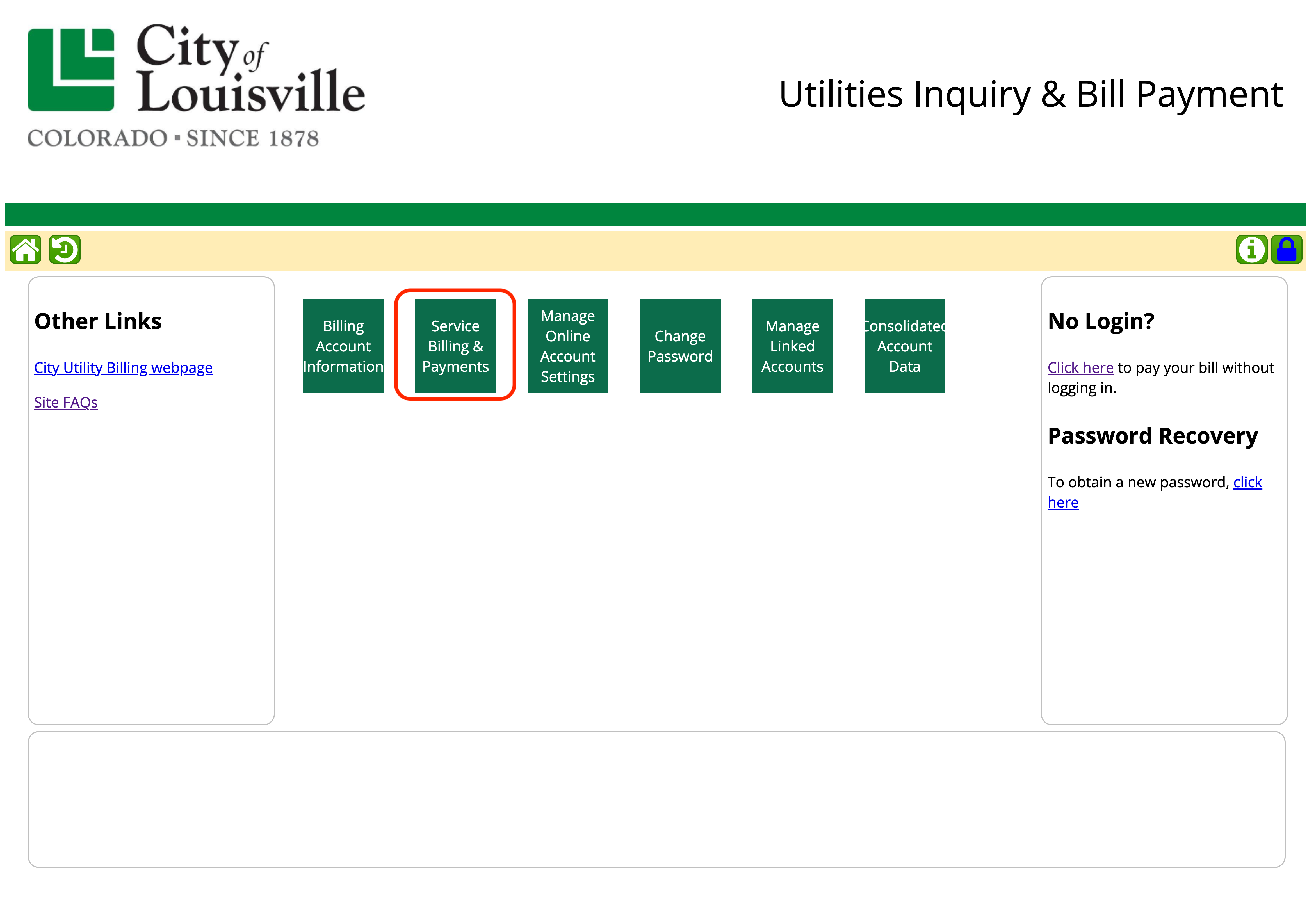
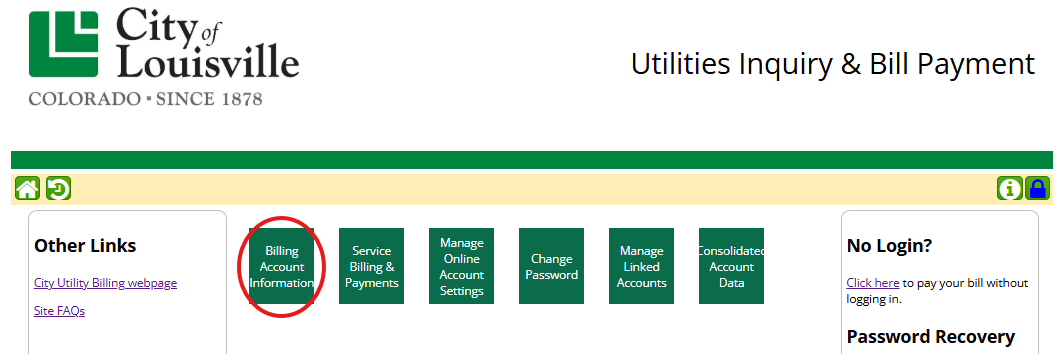
Log in with your temporary password. Then, click the green "Change Password" square. Your new password must be at least 12 characters long. A unique password is best for security. Special characters, numbers, and capital letters are not required.